
Create & Analyse trades directly from Option Chain
Creating & Analysing your trades just got a lot easier!
Now you can Create, Analyse, and Trade directly from the Option Chain with the new Analyse window.
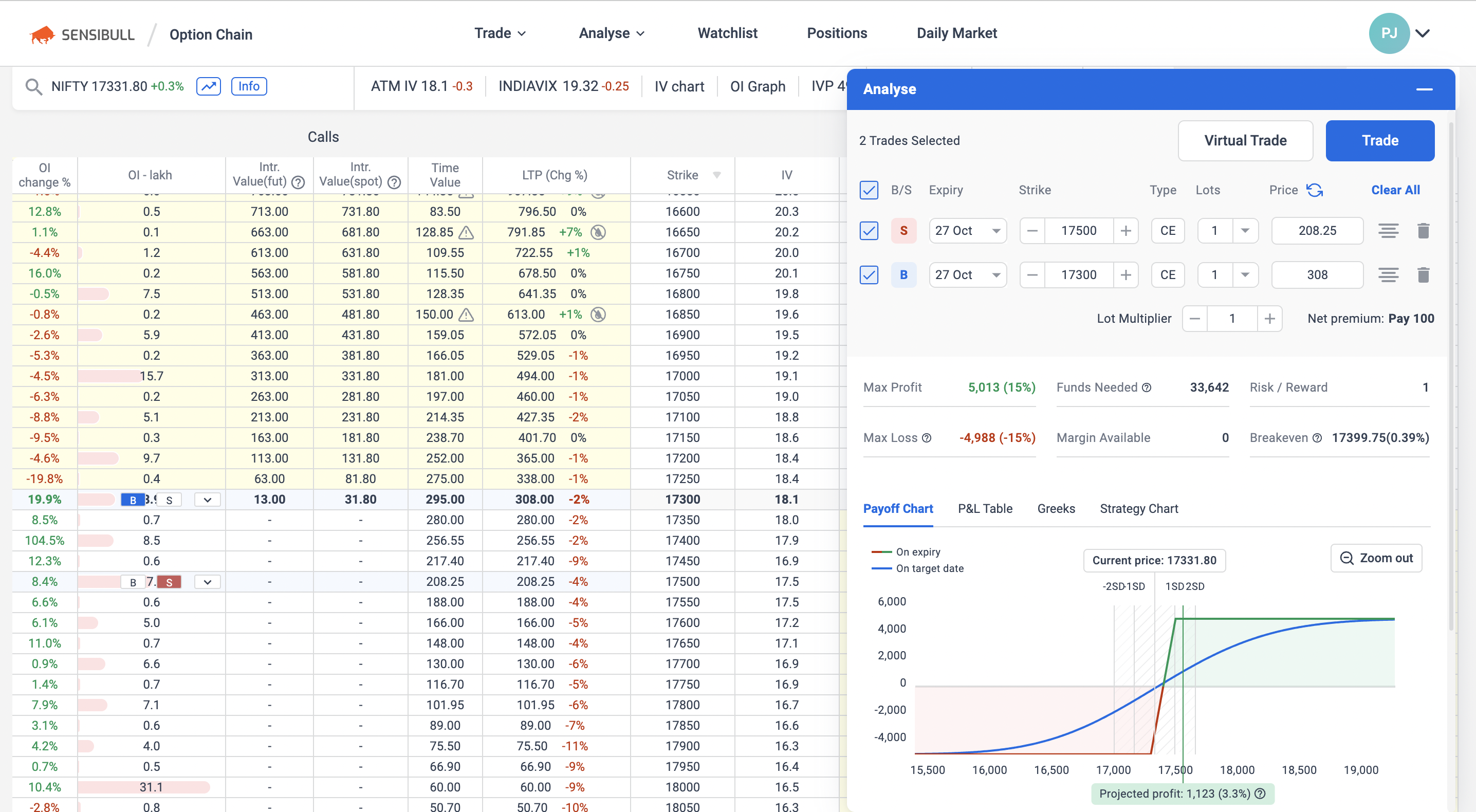
Analyse window from the option chain
You can use this Analyse window to do a lot of things that you usually do on the Strategy Builder right from the comfort of the Option Chain.
Here is what you can do:
-
Add trades and see the payoff graph along with the P&L details & Greeks
-
Analyse your trades and know your P&L under various market conditions
-
See the margin needed before taking the trade.
-
Place orders directly from the analyse window.
You can find this Analyse window in the bottom right corner of your screen, as shown in the image below.
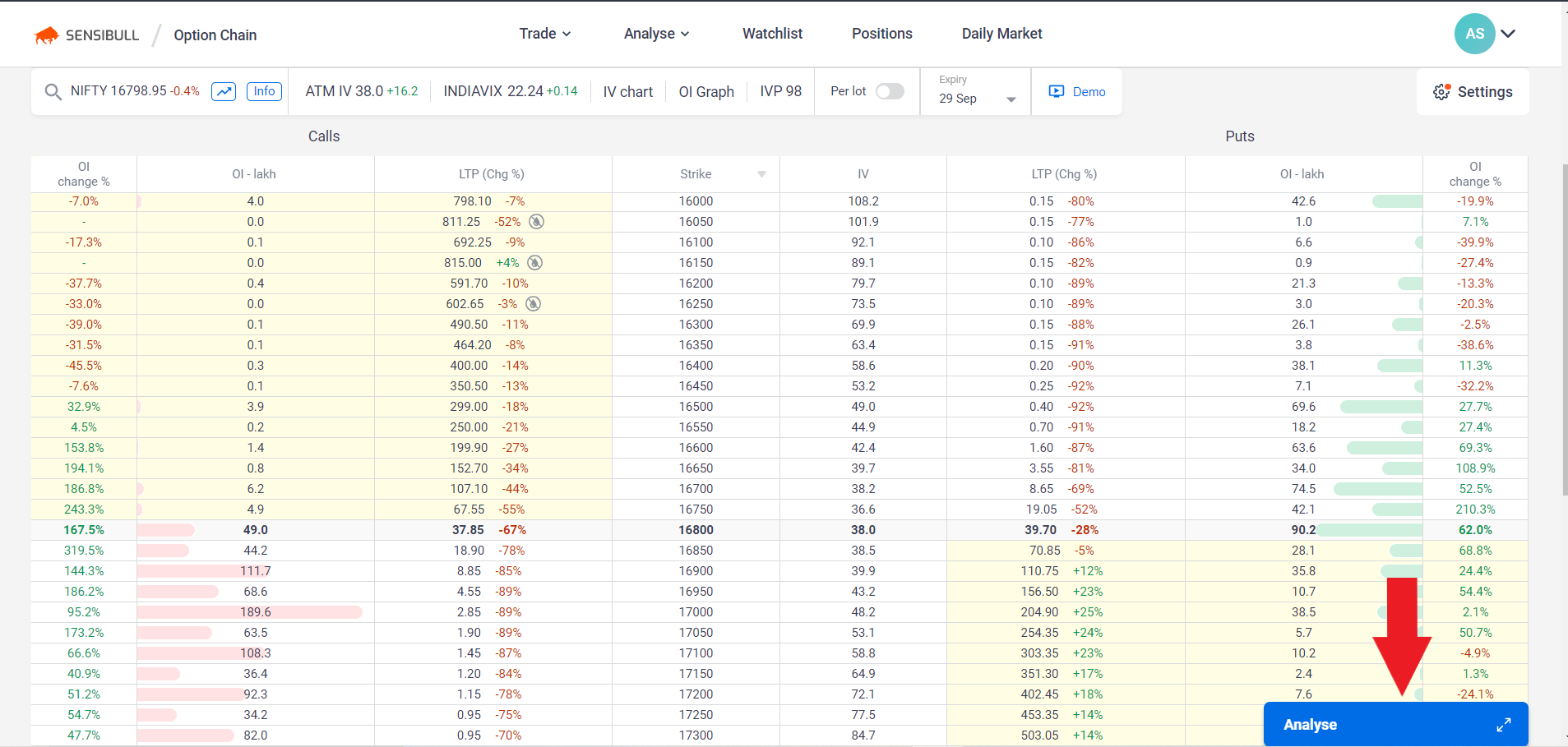
How to access Analyse Window from the Option Chain
You can also easily move the widget and place it anywhere on the screen.
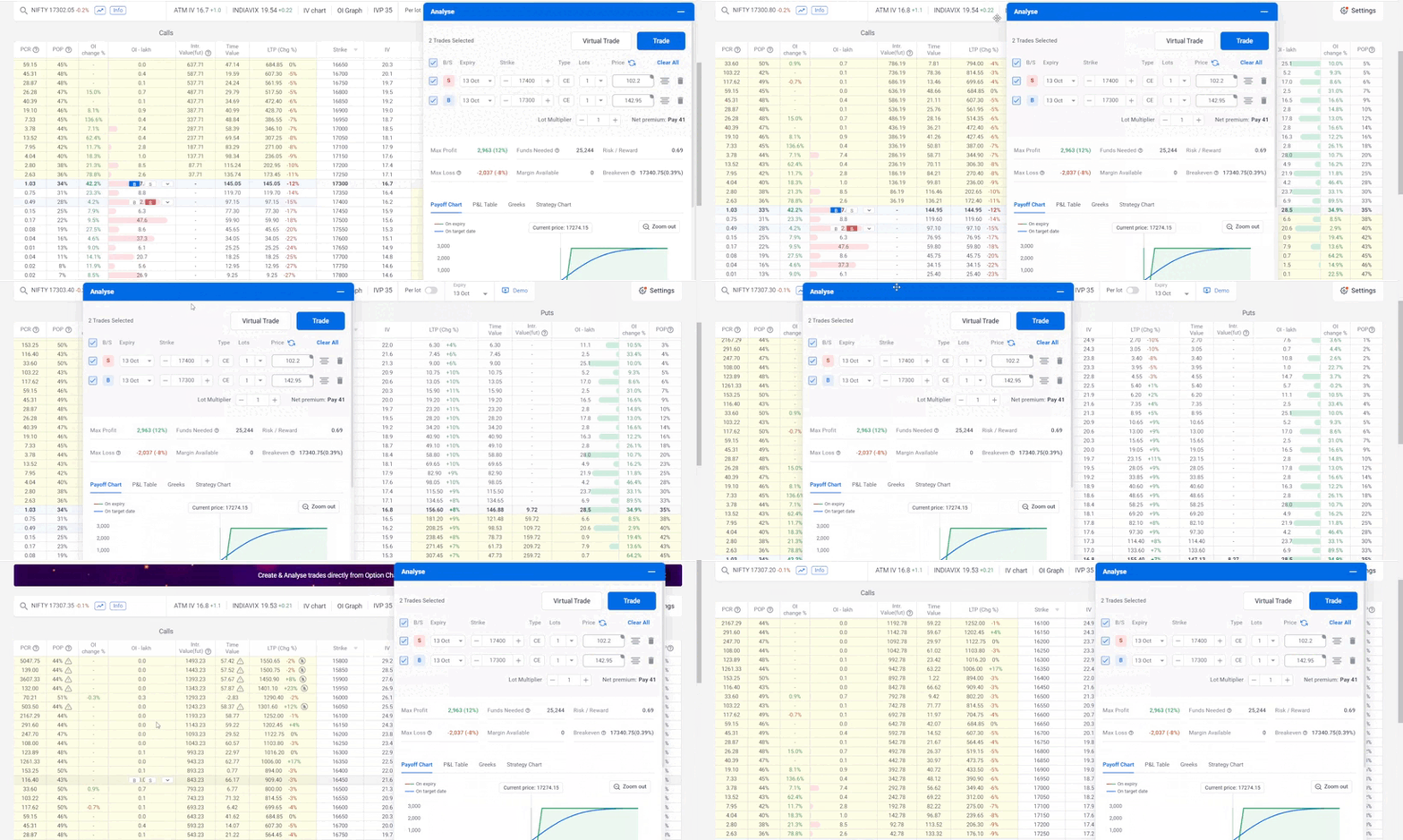
Analyse widget
This amazing feature is FREE for a limited time! Do try and let us know your feedback.